Snapsleeve Fidlock Mount ReplacementUpdated 8 months ago
1. Inside the case, on the side where the Snapsleeve attaches, there is an inside-out zipper running down the center of the lining.
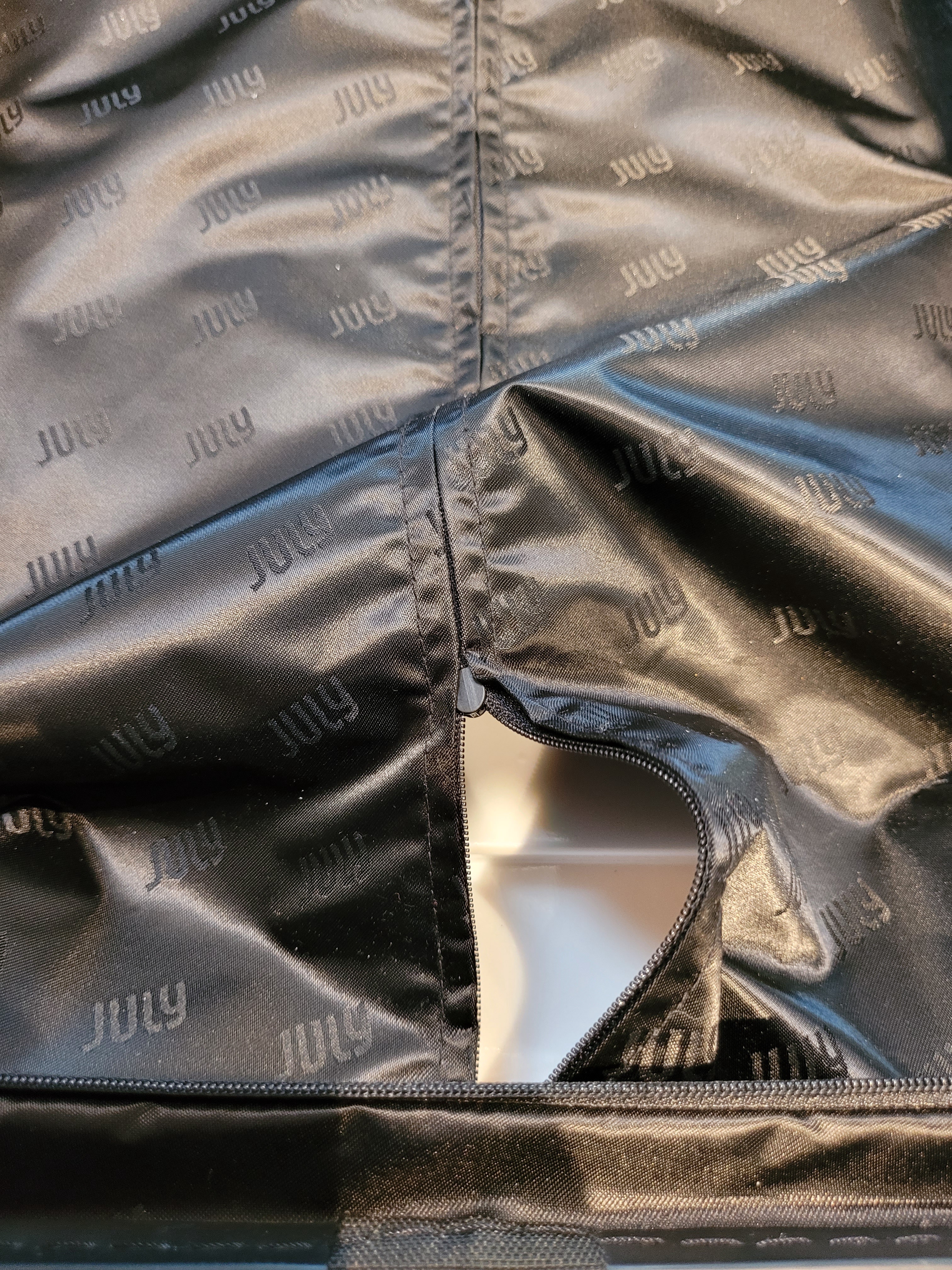
2. If you unzip the lining, you will gain access to the inner wall of the case.
3. You will be able to find the female end of the Fidlock mount somewhere in the inner wall.
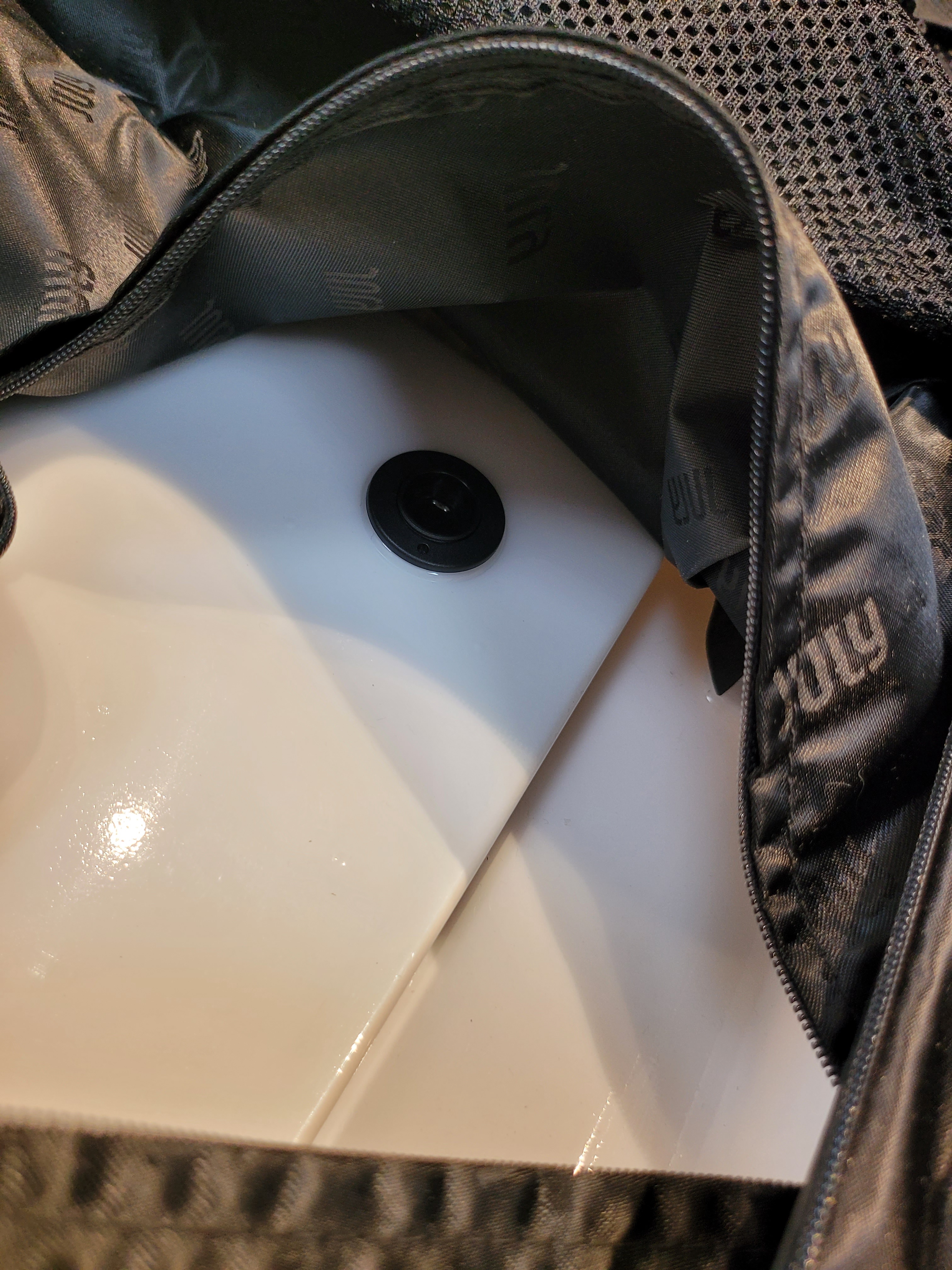
4. One end of the nut should fit through the hole for the Fidlock mount, and you should be able to re-attach the mount from the other side.
5. Simply screw in the mount connecting it with the nut, and voila! All done!